pacman-manage - A Bash TUI frontend for pacman and yay
#include metadata.h
// Created Nov 14, 2026
// Last updated Nov 14, 2026
One of the downsides of Arch is its package management experience. Everything is done through a somewhat clunky CLI interface, and Arch is highly against GUI frontends such as KDE Discover as they don't show enough information from pacman during install/upgrade operations. Over the years, people have created several frontends to pacman with varying goals:
- Octopi - an advanced, fully-featured Qt-based GUI for pacman with AUR support
- Apdatifier - a KDE extension focused on automatic update checking, but with advanced management features, an RSS reader, and flatpak support as well
- Arch Update Checker - A much simpler KDE widget focusing primarily on package updates without many management features
For my uses, a full application like Octopi felt overkill (that, and I found Octopi's interface rather unintuitive), and Apdatifier gradually became too bloated (seriously, does an update checker widget need a full RSS reader?). I recently started using Arch Update Checker, which is much more minimal, but I missed the advanced management features from Apdatifier. So I wrote a little Bash script to fill in what I felt was missing from Arch Update Checker.
Le script
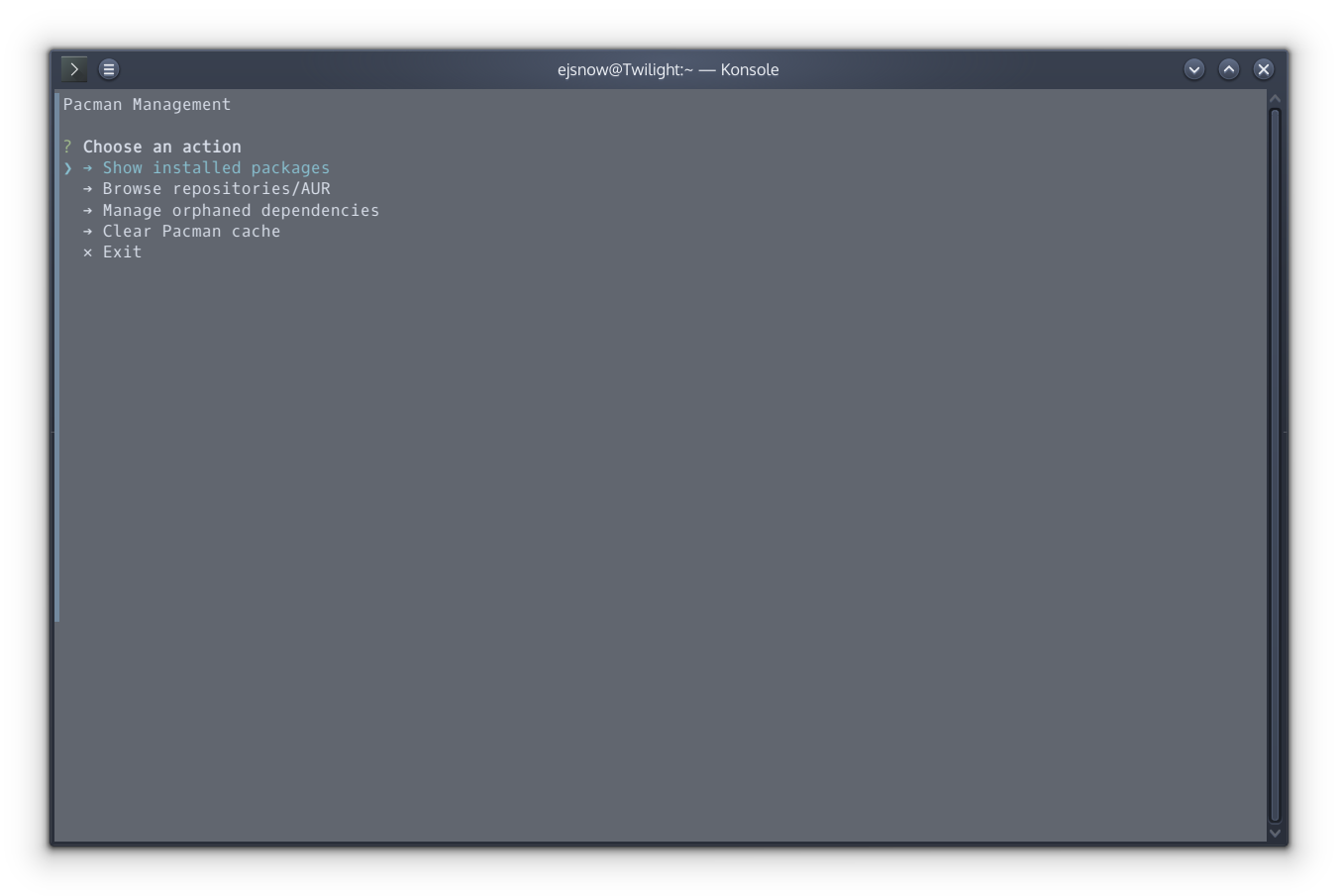
My goal was rather simple: Make a friendly TUI for key package management operations:
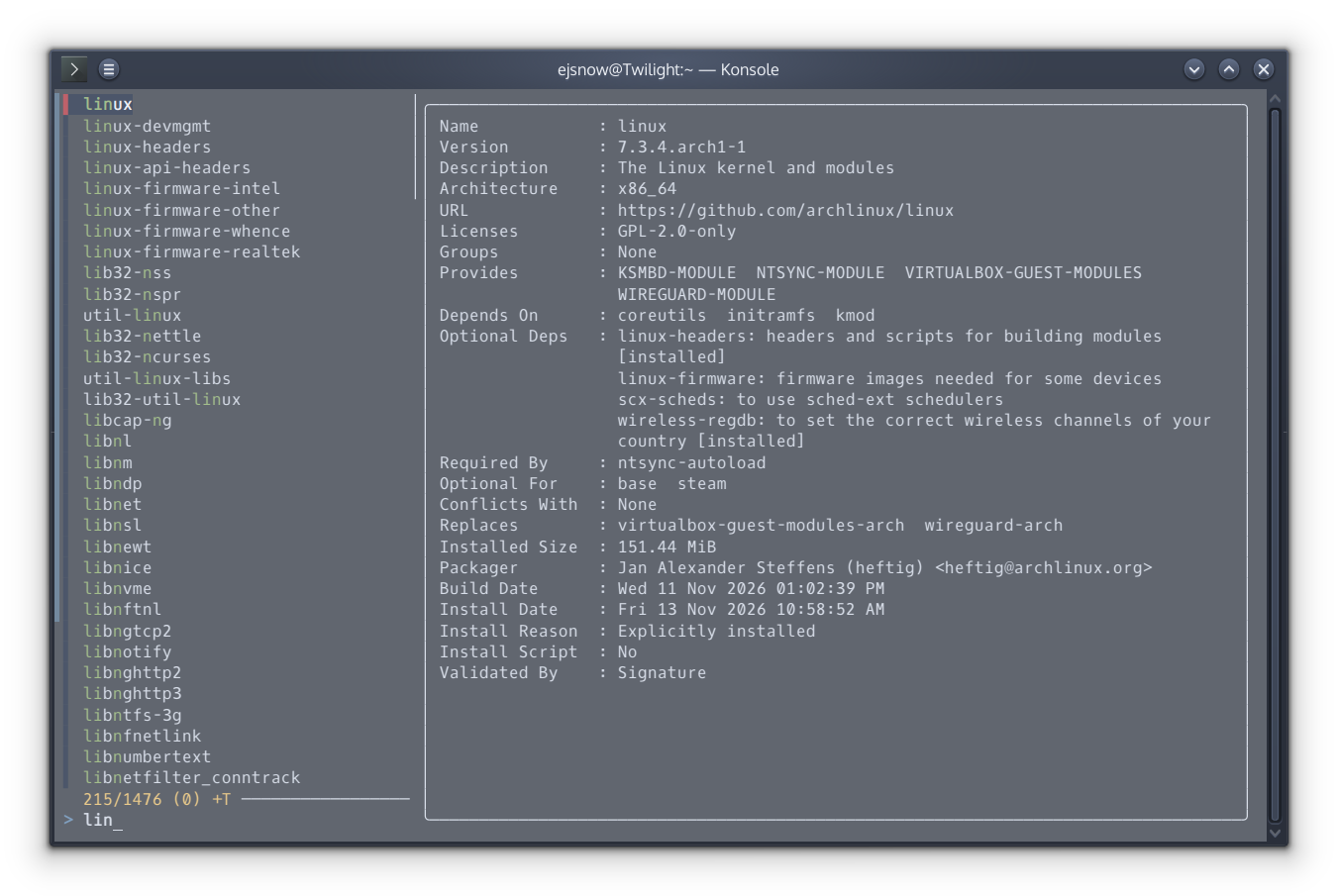
- Browsing repositories/AUR and locally installed packages
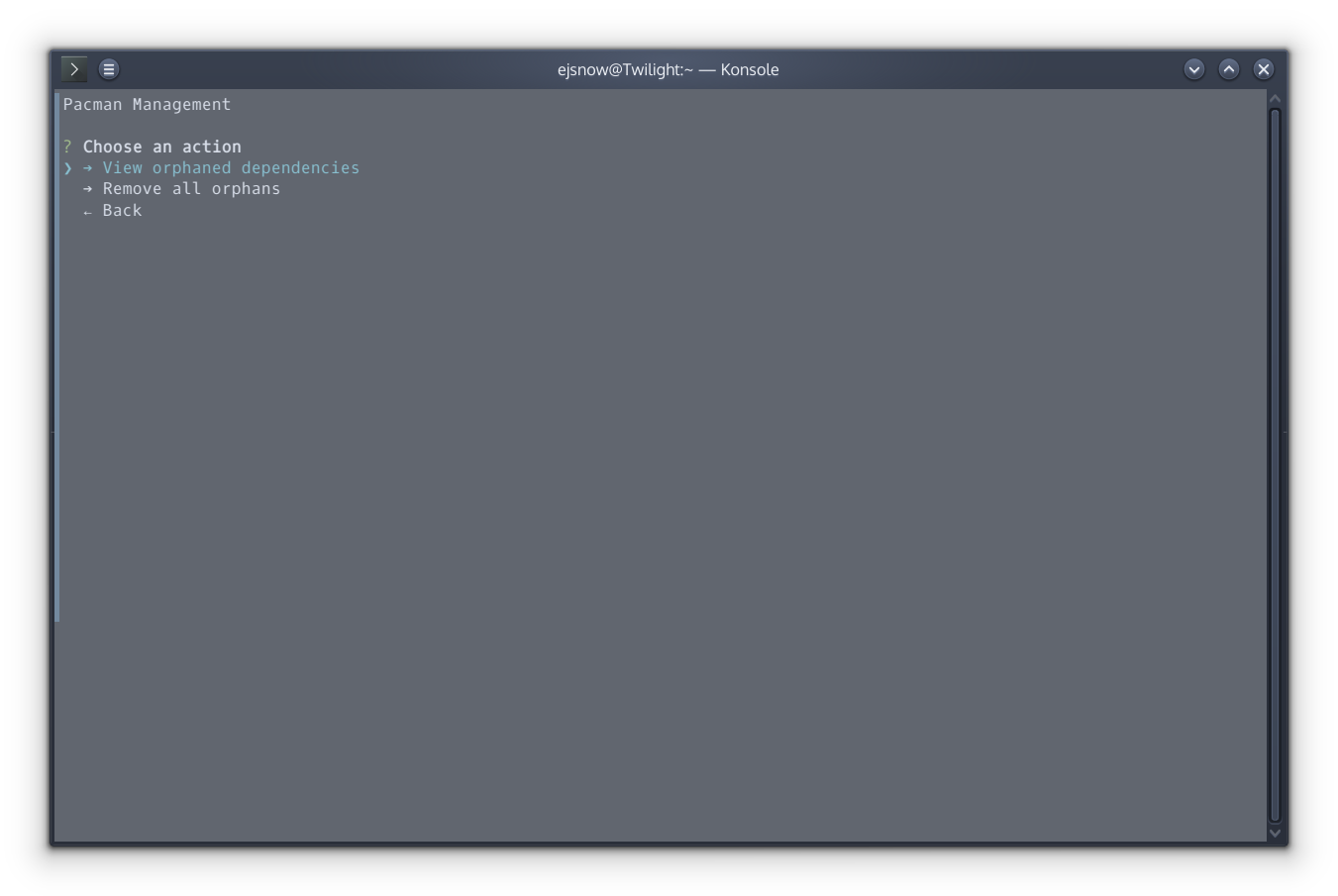
- View/uninstall orphan dependencies
- Refresh mirrorlist (not implemented yet)
- Clear the Pacman cache (also not implemented yet)
For now, it's fairly bare-bones, and I intend to keep it fairly minimal while still having the important features. AUR operations are also supported through yay (if you want support for xyz other AUR helper, feel free to PR support, though right now the script is hard-coded for yay).
Mirrorlist refreshing and cache clearing are the two main things I haven't implemented yet. I also plan to improve the UX significantly (right now, it's kind of terrible; menu navigation requires arrow keys + Enter, and when performing a pacman operation, as soon as it completes, the previous menu re-appears, clearing the output from pacman).
Speaking of the TUI, I honestly was lazy and used bash-tui-toolkit to build the menus. It's incredibly (and scarily) easy to use, and probably preserved my (already questionable) sanity (from all I've seen, writing a TUI from scratch in Bash is quite painful).
Some screenshots:
The script is on GitHub: EJSnow/pacman-manage. If you find it useful, give it a star!