The Razor Crest
#include metadata.h
// Created Jul 6, 2026
// Last updated Aug 10, 2026
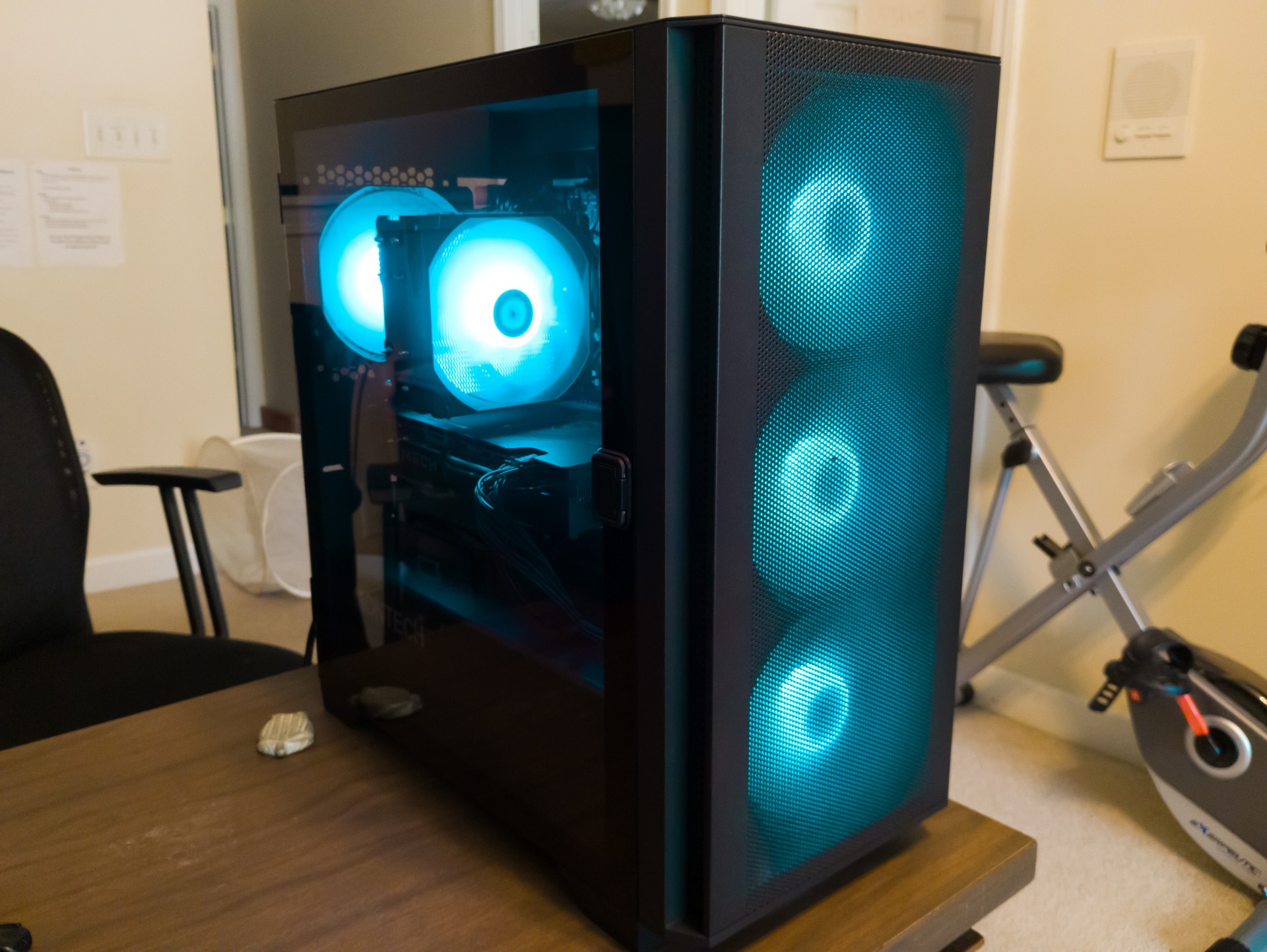
Behold, the Razor Crest! (I've been rewatching The Mandalorian lately, hence the name.) I assembled this pc as an upgrade from the Redstone PC with the goal of sticking to the i7-4790 for as long as possible. I was mainly in need of a GPU upgrade anyways.
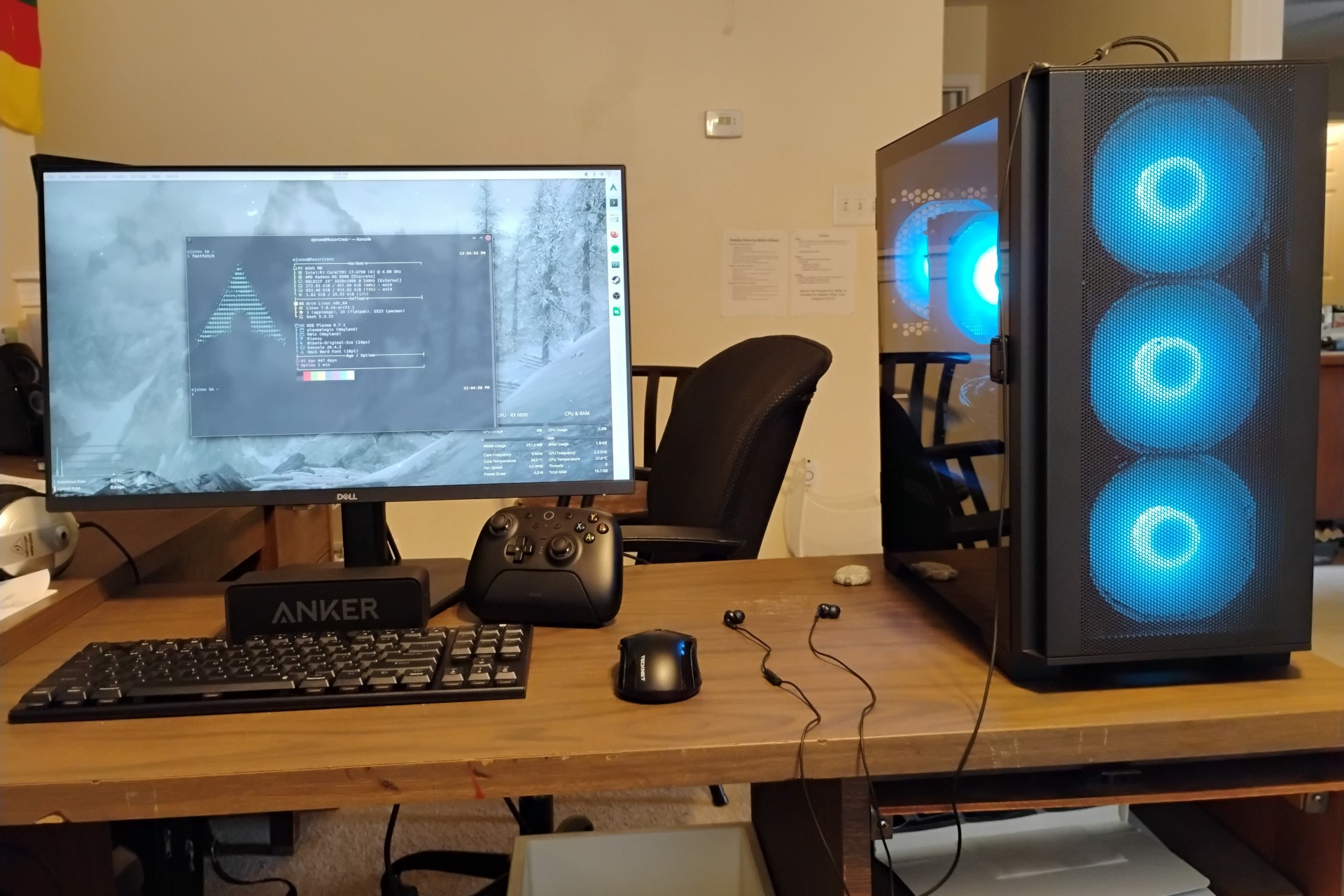
I've upgraded from the old RX 6400 to an RX 6600 and migrated to the Montech Air 100 ARGB case (optiplexen don't fit RX 6600's and the 255w psu wasn't gonna work either oh and thermals really sucked in the optiplex case). I also got a new monitor as the old Dell P2210 was kind of terrible and was possibly dying too (and may end up going to another pc otherwise I might have kept it as a secondary display).
The build got off to a rocky start, as the first motherboard I bought on eBay was broken and had significant CPU socket damage.
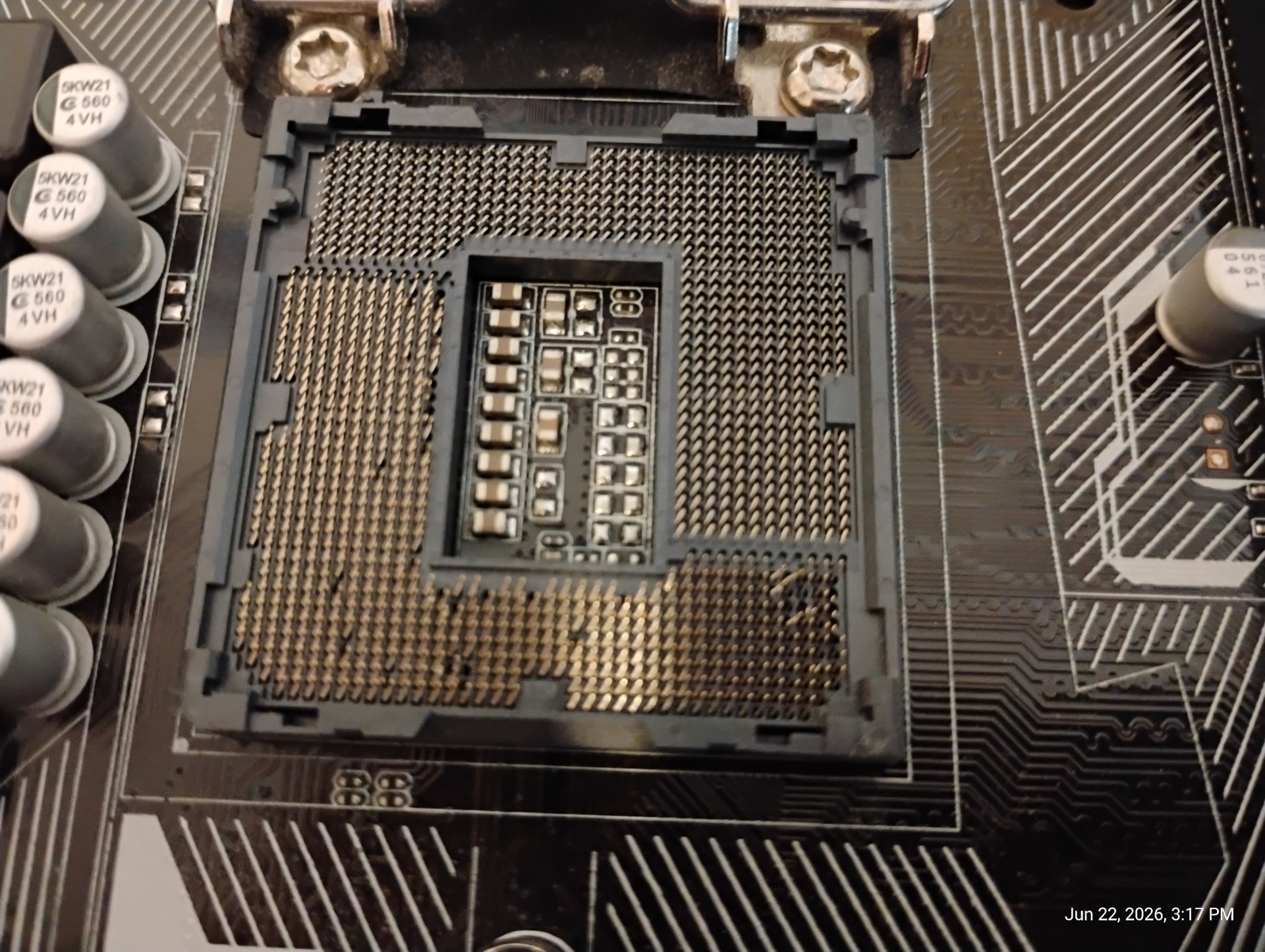
But I was able to return it and buy a second motherboard, which wasn't broken, so I proceeded to build the system. However, I ran into issues with it not suspending (it would completely power off then reboot instead) or staying shut down but ultimately a CMOS reset (I also had to replace the CMOS battery) seems to have solved that problem (although I'm not 100% sure it wasn't because my sister gave the computer a funny look). Now that that problem's solved, the system pretty much works Flawlessly™... except that I have the biggest CPU bottleneck of ALL TIME now. Still, gaming performance is somewhat improved over the RedstonePC, mostly just in Minecraft, which seems to be the only game capable of not being CPU-bound (with shaders anyway), which is hilarious considering Minecraft is known for being insanely CPU-bound typically. Not to mention the PC runs so much cooler AND quieter (granted my bar is pretty low coming from an Optiplex).
Considering the circumstances we're in right now, I'd say I did mostly all right. This system should hopefully last for several years before needing major upgrades, though the CPU is definitely getting to the point where an upgrade is desired.
Also yes, the RX 6600 and i7-4790 are an awful pairing. But we do what we have to do to avoid buying DDR4 or shiver DDR5 RAM at the current prices. I'm not upgrading to a skylake cpu both because it's not hugely faster (who would have guessed?) and because aside from oem pcs (like optiplexen) DDR3 skylake boards seem to be unobtainium.
If anyone's curious, I have a Redragon K621 Horus TKL keyboard (with red switches) and the same old mouse from the redstone computer.
Parts
CPU - Intel Core i7-4790 (5/5)
I love this CPU, it hits the nostalgia points perfectly and is still fast enough for low-end gaming in 2026 at least on Linux, however it's really showing its age when paired with an RX 6600. Stolen from the Redstone PC
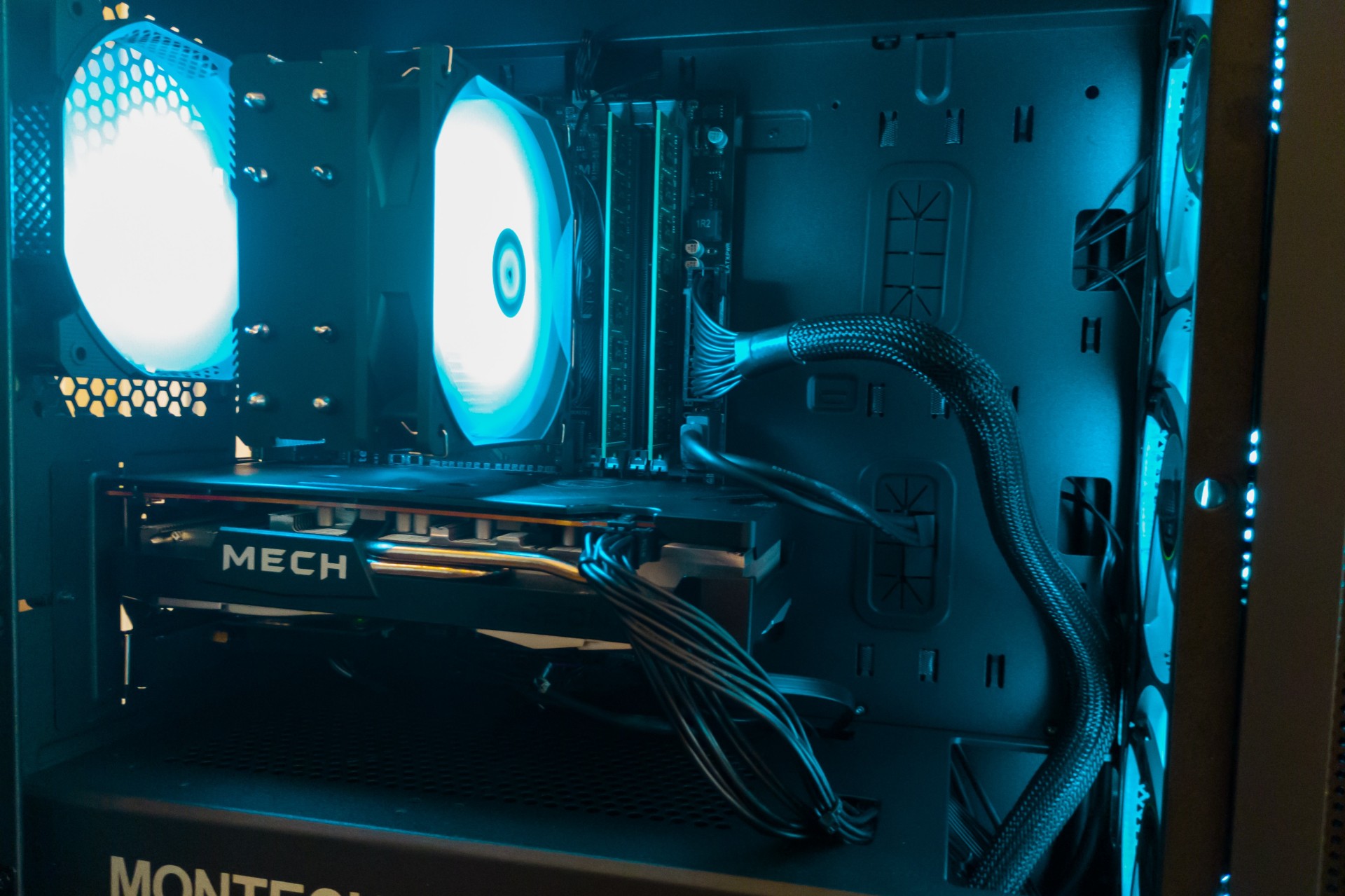
CPU cooler - Thermalright Assassin X 120 Refined SE ARGB (5/5) - $18.90
No comments. It keeps my cpu nice and cool.
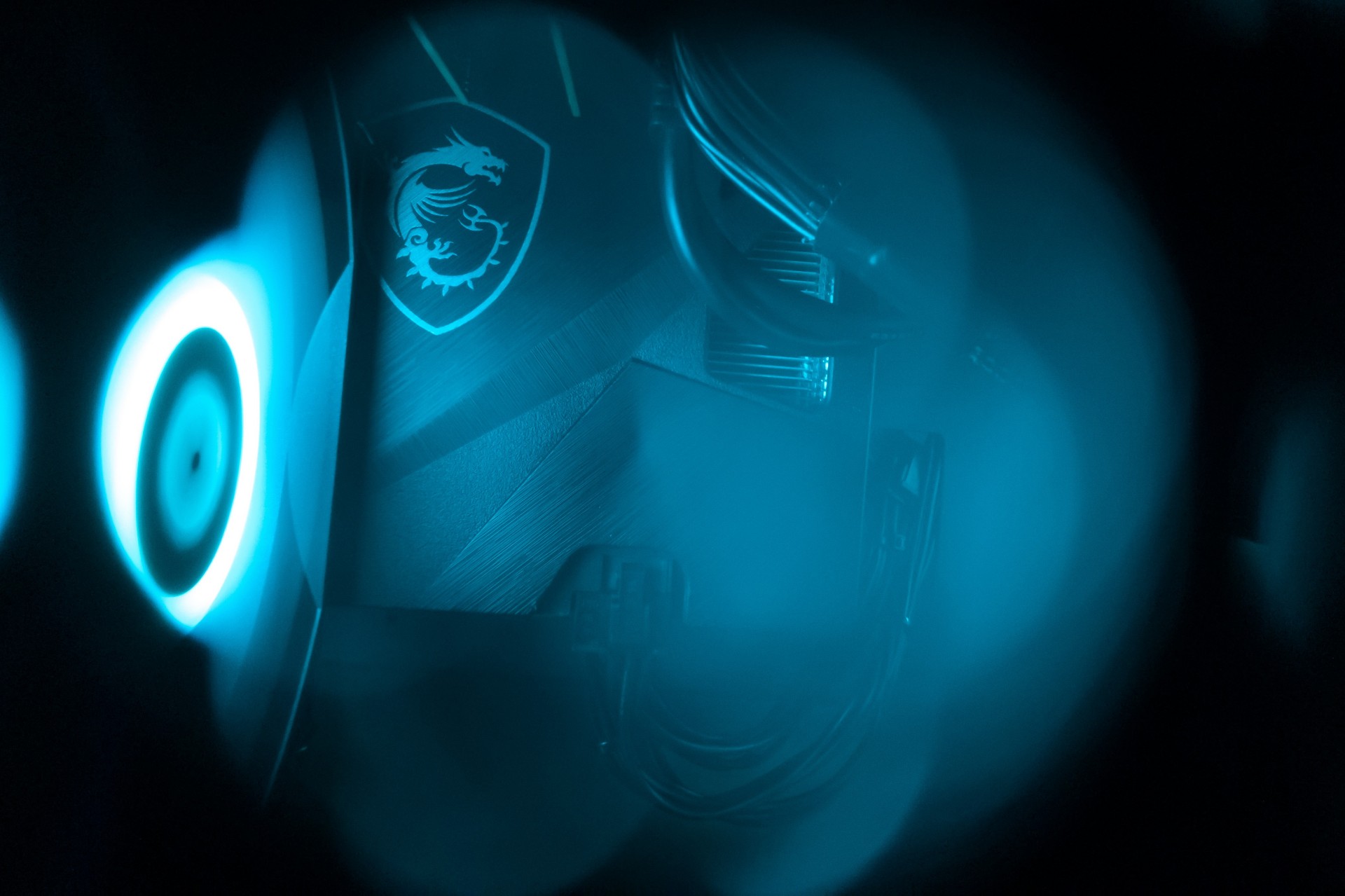
Motherboard - Asus H97M-E (3/5) - $98.67 (don't ask)
Bit rough around the edges (the BIOS is mildly confusing and outdated-feeling) but eh. It works. I had some minor problems that I think were caused by Windows fast startup (before I bought the board), but otherwise it kind of is just a cheap mATX motherboard. It has an M.2 slot interestingly (though only 4 sata ports). It let me "overclock" my CPU to 4GHz all core (fun fact: it normally only does 4GHz on single-core, and 3.8Ghz all-core) though so that's cool. note this price also includes an aftermarket io shield since the board didn't come with one (eBay is fun like that).
RAM - 16GB (2x8GB) Crucial DDR3-1600 (5/5)
dedotated wam
I stole this from the redstone pc so I wouldn't have to buy any ram in this market
Drives - Crucial MX500 500GB 2.5" SSD (4/5) + Western Digital Blue 1TB 2.5" 5400RPM HDD (2/5)
Also stolen from the redstone pc. The SSD is Fine™ (it is honestly very solid though). The HDD is kinda slow but it's okay for mass data storage.
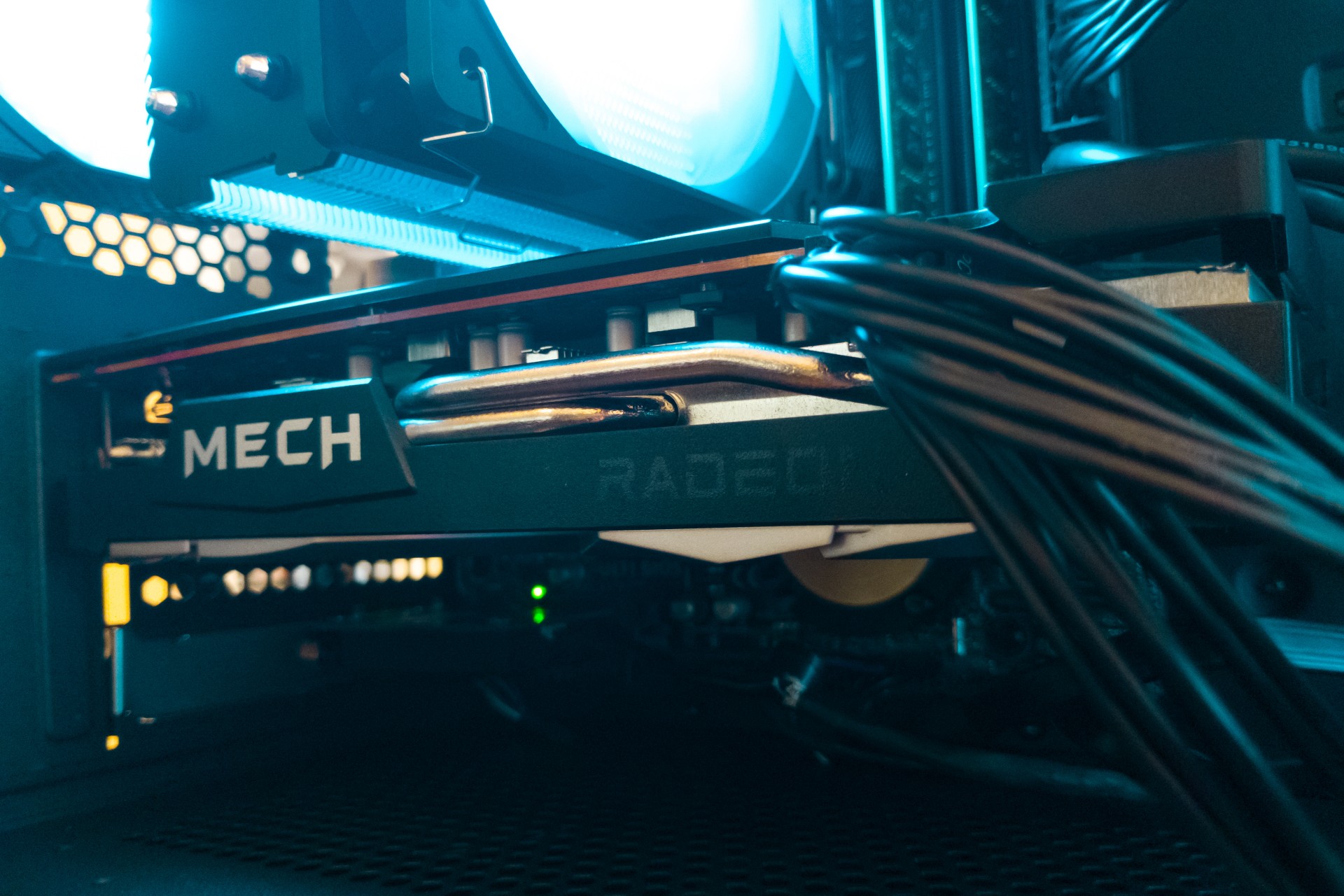
GPU - MSI Mech 2X Radeon RX 6600 (4/5) - $197.40
Much faster than my previous RX 6400 obviously. Reasonably efficient, and overall a great little card. Purchased used on eBay, and I haven't had any problems with it, it was in great shape, and I don't think it needs to be repasted even (still has pretty good temps). Incredibly bottlenecked by my cpu in almost every game, but it seems to perform all right in Minecraft with shaders.
Case - Montech Air 100 ARGB (5/5) - $69.90
Epic mATX case. Buuut I honestly think it's too big for me. Mostly too tall. So in the future I will either go with a compact mATX case like the Lian Li A3 or even an ITX case but I'd definitely prefer mATX. Other than that I do like this case. For $70, you get a good quality case that's also pretty easy to build in, 4 included ARGB fans (with a 6-port ARGB hub), and pretty solid cable management options. But the PCIe slots are the rip-off kind which I do not like. The included RGB controller's built-in effects are pretty basic but I put it on a static color anyways (my motherboard doesn't have an ARGB header).
PSU - MSI MAG A550BN (5/5) - $52.12
it supplies power doesn't look like a fire hazard and it was on the more affordable side
Wi-Fi adapter - TP-Link TX55E (5/5)
Stolen from the redstone pc. It does Wi-Fi (and Bluetooth too!) and does it well. Zero problems. Fortunately for Linux compatibility, it's just a dressed-up Intel AX210 Wi-Fi card so it works flawlessly.
Monitor - Dell SE2426HG (5/5) - $99.99
Insane value (24" 1080p 240Hz monitor for $100). The most trouble-free part of this entire upgrade; it looks drastically better than my old monitor and even my laptop screen and 240Hz is so insanely smooth. I do wish the stand was better though.
Little side thing
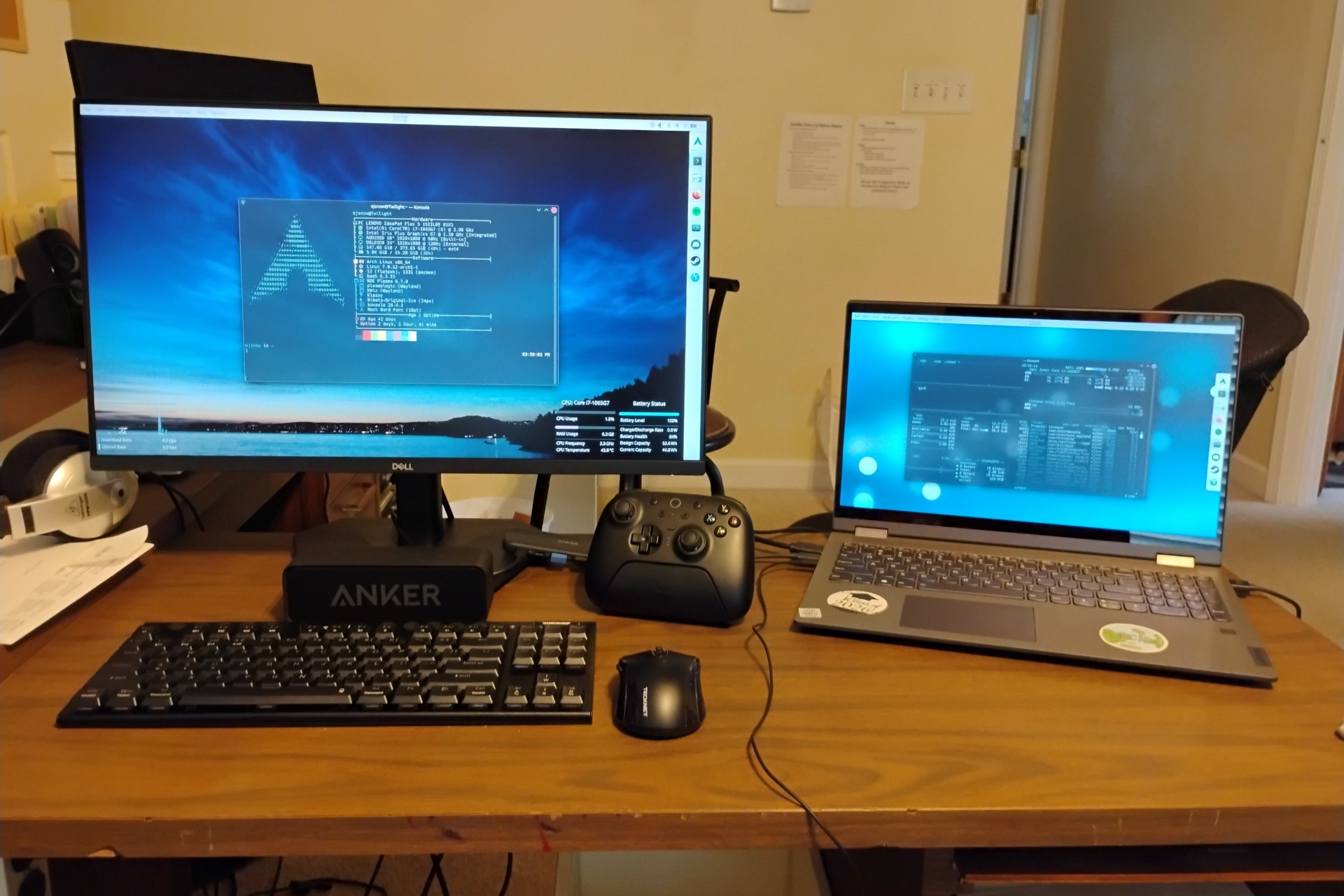
Of course, by the time I realized the first motherboard was broken, I had already taken apart the Redstone PC and removed the components I planned to reuse (the CPU, RAM, storage, and Wi-Fi card), and rather than putting it back together again (and having to repaste the cpu only to repaste it again a couple days later), I decided to create a temporary hybrid setup with Twilight and my new monitor. I set up Twilight with it on the desk where my PC was along with my keyboard, mouse, and Bluetooth speaker (partly to work around the fact that with the monitor plugged in Twilight reroutes audio to HDMI despite the monitor not having speakers). That setup actually worked pretty solidly. I got a free second screen (Twilight's builtin screen) and if I want I can unplug Twilight and take it anywhere I want fairly easily. Now that I've put my PC together I rather miss the second screen, but there are ways to still have one. ;)
Pictures
Note: Click an image to enlarge it.
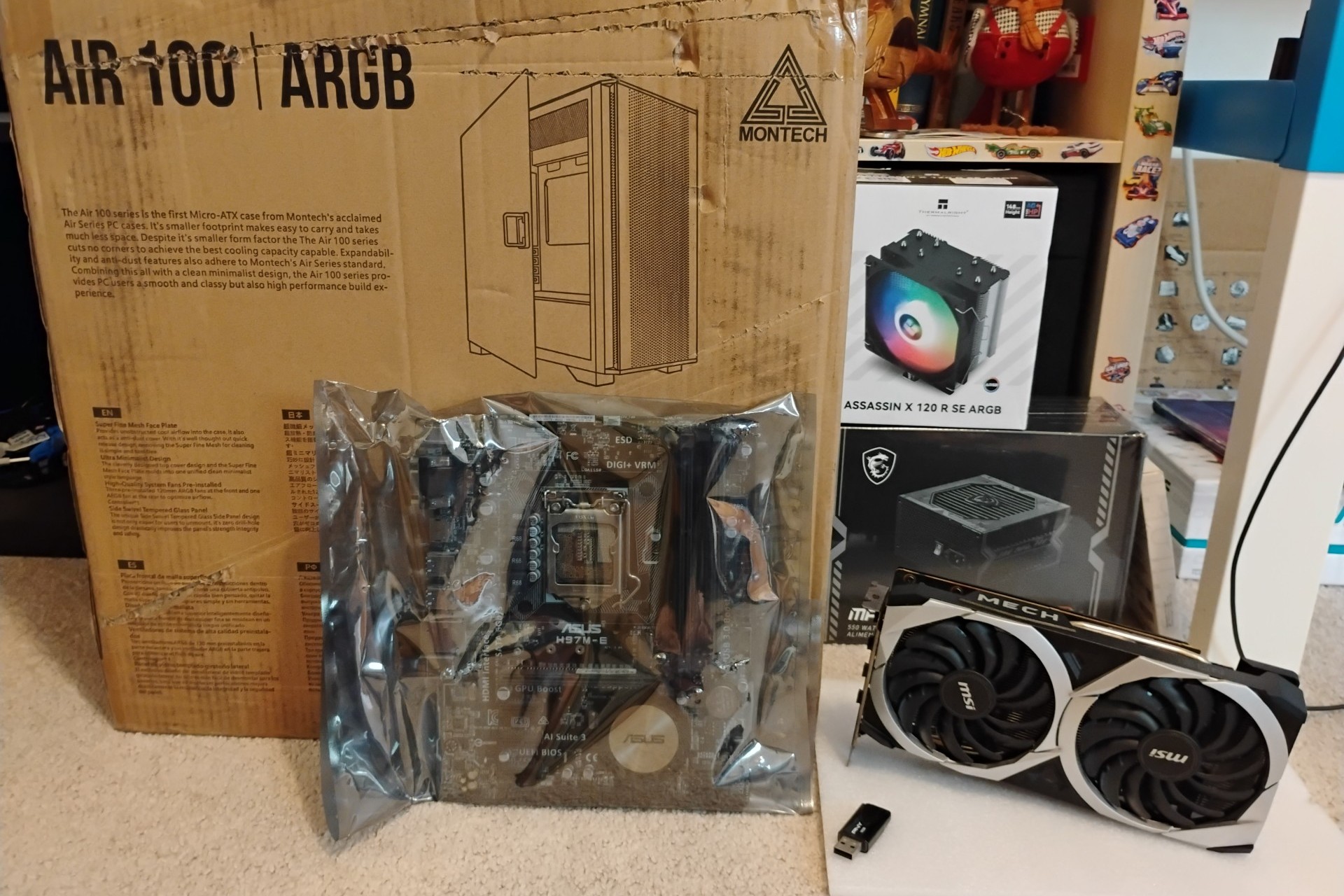
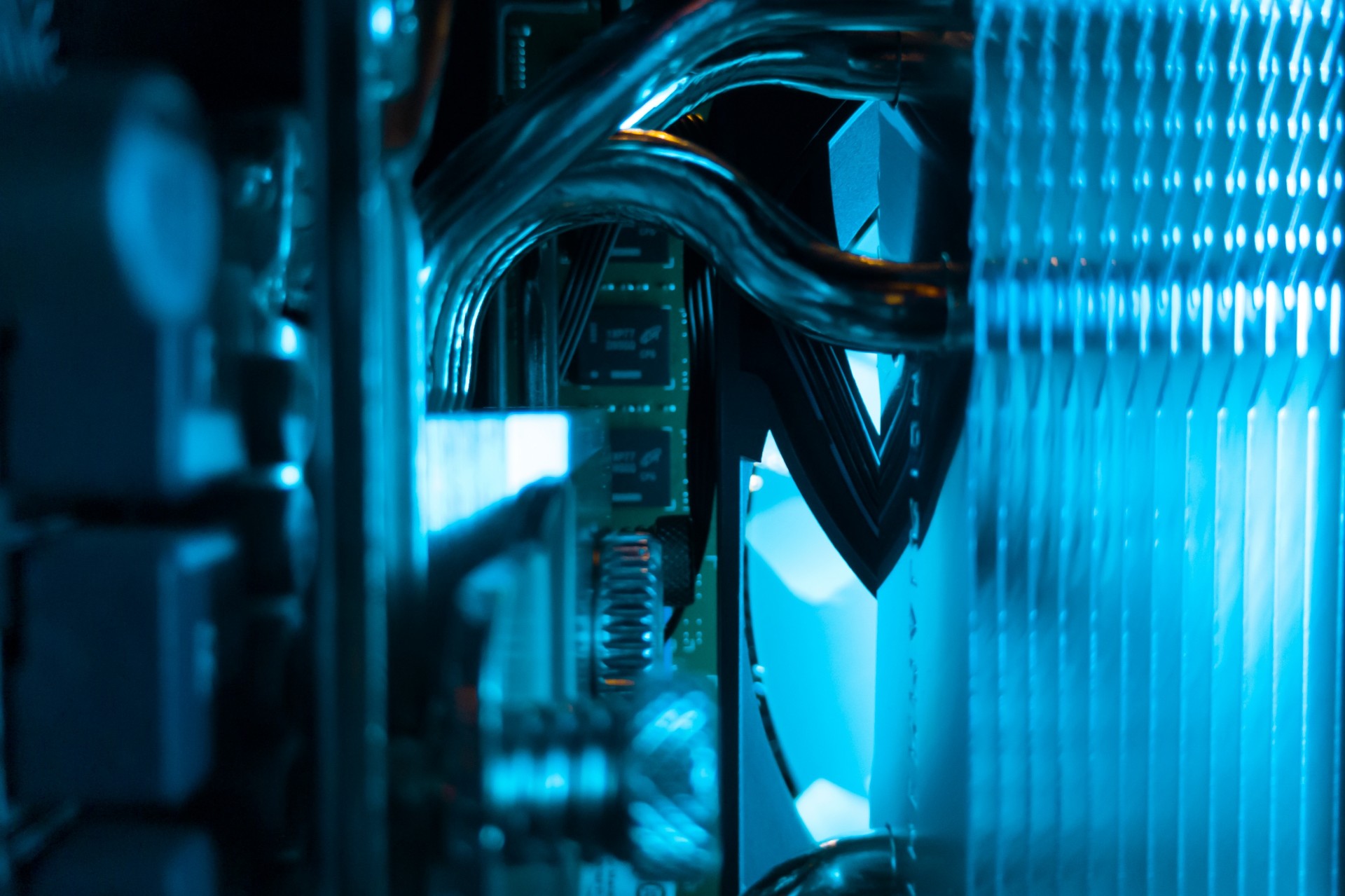
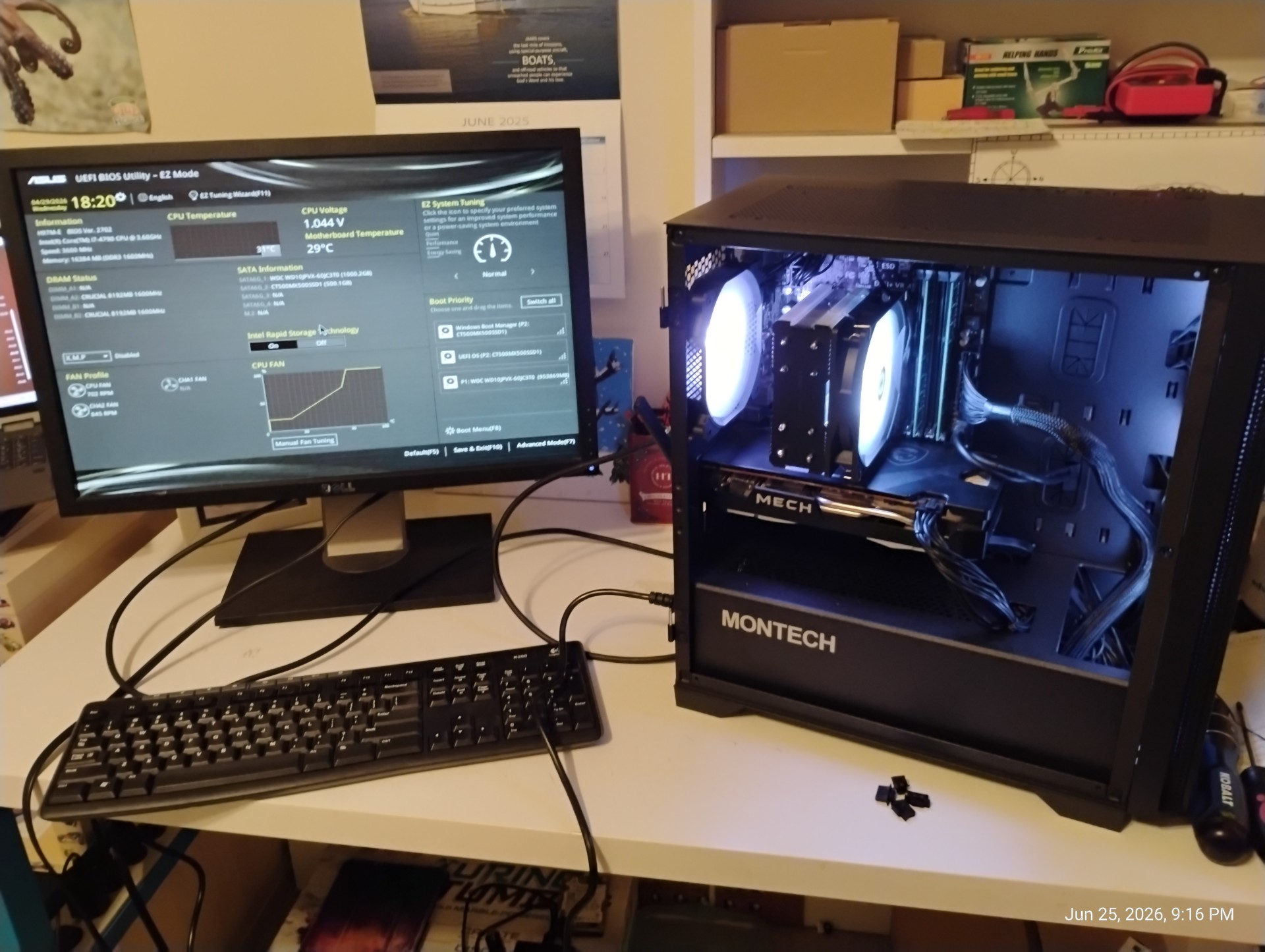
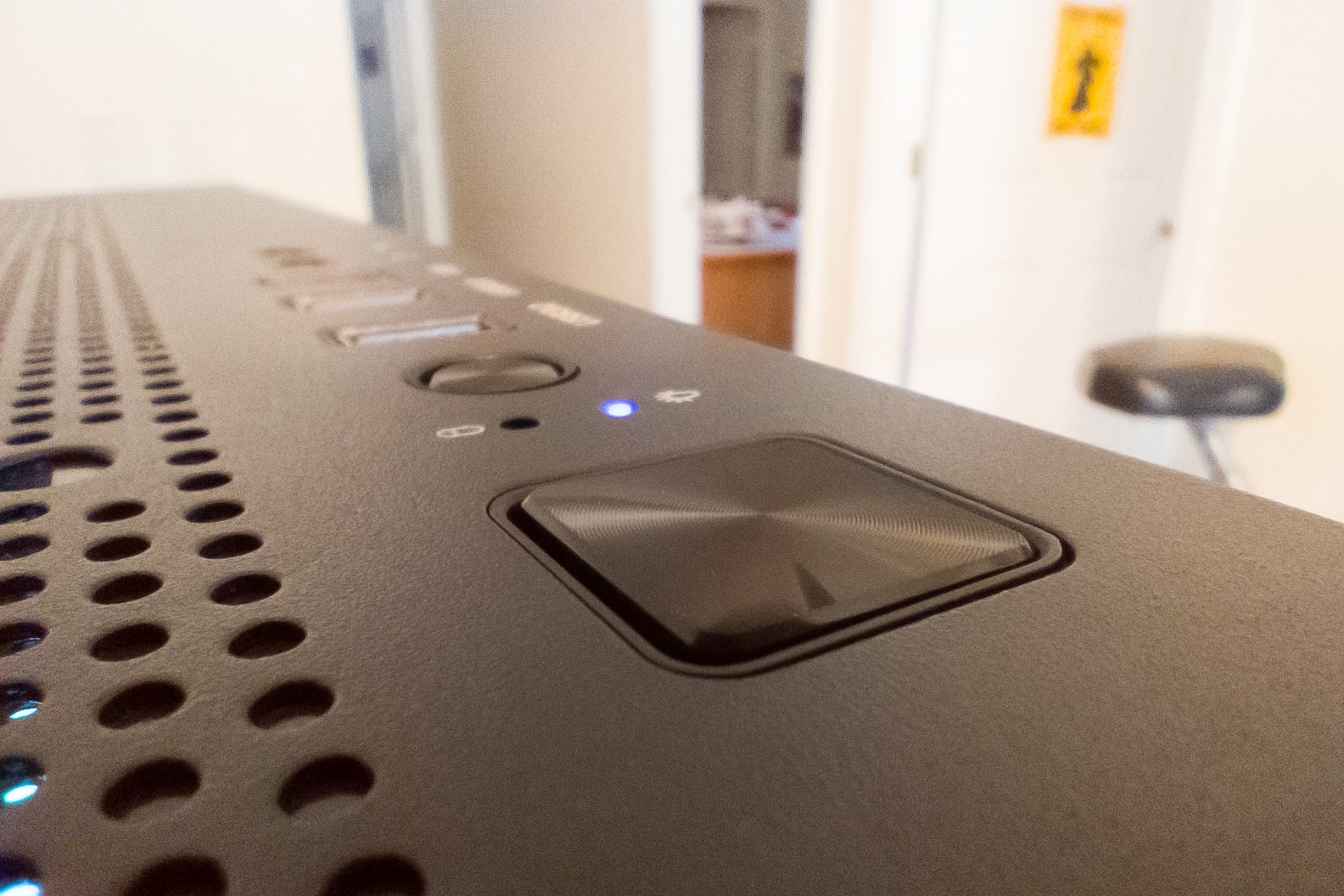
(On a little side note, I recently discovered how awesome 3:2 images are so naturally most of these images are cropped to 3:2.)